Let clients book you while you sleep.
A booking page with your services and opening hours. Clients pick a time in their own time zone. Your calendar fills itself.
No sign-up needed for the demo · your own private sample workspace
- Salons and studios
- Clinics
- Coaches
How it works
- 1Set services and hours
- 2Share your booking link
- 3Clients pick a free time
- 4Reminders and rebooking
What it does
Public booking page
Service, day, time, details: four steps and the client is booked.
Time zones done right
Visitors see times in their zone, daylight-saving changes included.
No double bookings
Every booking is re-checked inside a locked database transaction.
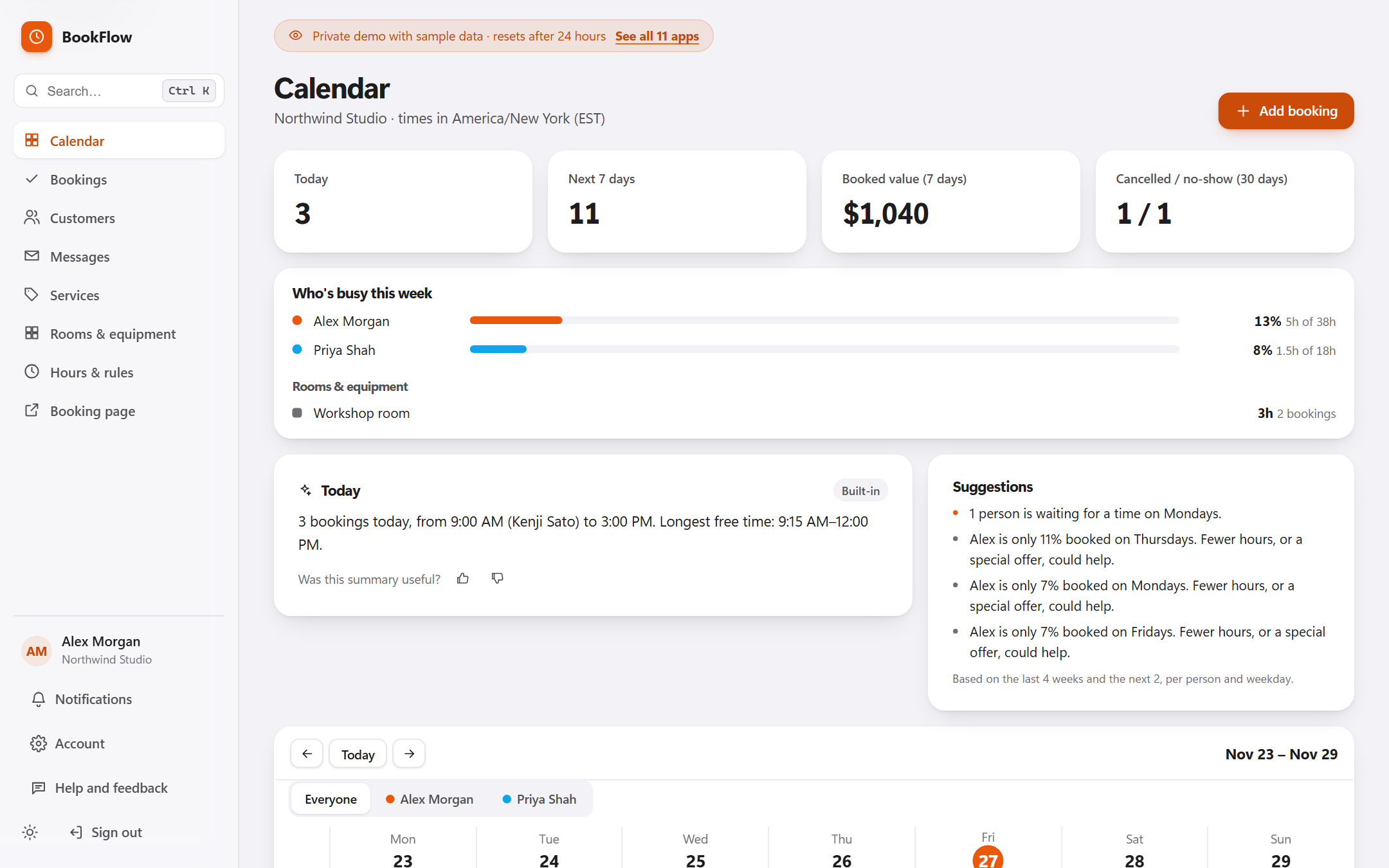
Week calendar
See the week at a glance, with open hours, days off and the current time.
Your rules
Breaks between bookings, minimum notice, how far ahead and lunch breaks.
Calendar files
Clients add the booking to Google, Apple or Outlook with one click, and can cancel.
AI helps. You decide.
What the AI does
Summarises your day and suggests free times.
What stays with you
You confirm every change.
Works without an AI key too: a built-in method is used, and it says so.
Private by default
- Clients change a booking only with their private link.
- Your own private workspace; roles for owners, admins, members and viewers.
- Activity history of important changes.
- Download all your data, or delete your account, from the Account page.
Questions
Why can’t a customer change their booking online?
Online changes close a set number of hours before the start (the cancellation window in your settings).
Are confirmations and reminders sent?
They are queued on the Messages page and not sent until email is set up.
See BookFlow with real sample data.
One click. Your own private demo. Nothing to install.